
Appointment automation
Make Scheduling Easier for Your Customers and Your Team
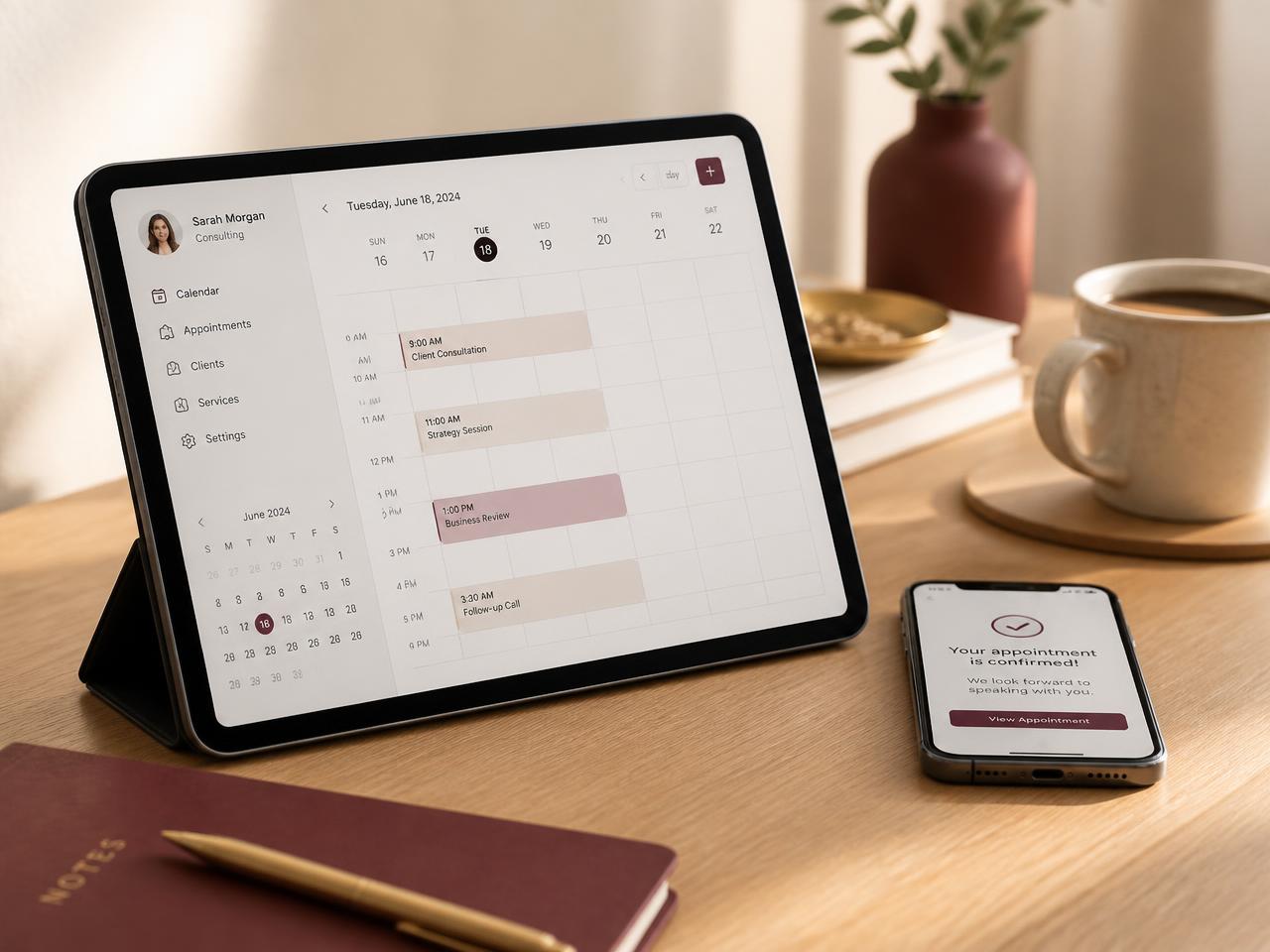
Booking an appointment should not require endless calls, messages, manual confirmations, and follow-ups. Roxiera Group helps businesses create connected appointment workflows that can simplify scheduling, confirmations, reminders, rescheduling, internal notifications, and appropriate follow-up while keeping your team involved where human attention matters.
When scheduling becomes manual work
Every Appointment Can Create More Work Than It Should
As appointment volume grows, simple scheduling tasks can consume valuable time. Teams may spend hours coordinating availability, sending confirmations, answering routine scheduling questions, updating calendars, reminding customers, and following up after appointments.
- Customers have to call or message us to schedule.
- Our team spends too much time coordinating appointment times.
- Confirmations and reminders are handled manually.
- Customers sometimes need to reschedule or cancel.
- Appointment information has to be entered into multiple systems.
- Staff need to be notified when certain appointments are booked.
- Follow-up after appointments depends on someone remembering.
- Our booking process does not connect well with the rest of our business.
Roxiera Group looks at the complete appointment journey, from the initial booking request through confirmation, reminders, internal coordination, and appropriate follow-up, to identify where automation can reduce unnecessary manual work and create a more connected experience.
Build a smarter appointment journey
Connect the Steps Before and After the Appointment
Appointment Automation is designed around how your business actually schedules and manages appointments. Depending on your systems, customer journey, and operational needs, Roxiera Group can help connect appropriate parts of the process.
Online scheduling
Create or connect appropriate booking pathways that allow customers to request or schedule appointments based on the agreed business process.
Appointment confirmations
Automatically send appropriate confirmation communications after appointments are booked.
Appointment reminders
Create reminder workflows designed to keep customers informed before scheduled appointments.
Rescheduling & cancellation workflows
Create appropriate pathways for handling appointment changes while keeping relevant systems and team members informed.
Calendar connections
Connect compatible calendars and scheduling systems where appropriate to improve appointment coordination.
Internal team notifications
Notify appropriate employees or teams when important bookings, changes, cancellations, or other agreed events occur.
Customer follow-up
Create appropriate post-appointment follow-up workflows based on the business process and agreed customer journey.
System & workflow connections
Connect compatible booking, CRM, communication, payment, form, and other business systems where technically appropriate.
Not every capability applies to every business or platform. Final workflows depend on your existing systems, integration availability, and the agreed project scope.
Built around your scheduling process
The Right Appointment Automation for Your Business
Depending on your current systems, appointment process, business requirements, and project scope, Appointment Automation may include:
- Current appointment workflow review
- Scheduling-process mapping
- Booking pathway configuration
- Calendar connections
- Appointment confirmation workflows
- Reminder workflows
- Rescheduling workflows
- Cancellation workflows
- Internal appointment notifications
- Customer information capture
- CRM connections where appropriate
- Form-to-booking connections
- Appropriate follow-up workflows
- Email and SMS workflow connections
- Human handoff points
- Basic workflow testing
- Error and exception considerations
- Documentation for agreed workflows
- Recommendations for future appointment-process improvements
Final services are determined by project scope, business requirements, existing systems, software capabilities, integration availability, and technical feasibility. Third-party booking platforms, messaging services, payment systems, APIs, AI, or usage fees may be separate. Some related services may be quoted separately.
Flexible service options
Start With the Appointment Workflow Your Business Needs
Appointment Automation can begin with a clearly defined scheduling workflow and expand as your business needs evolve.
Appointment automation project
For businesses that want to improve a specific appointment or scheduling process.
Potential work may include:
- Workflow review
- Process mapping
- Booking configuration
- Calendar connections
- Confirmation workflows
- Reminder workflows
- Rescheduling or cancellation workflows
- Testing
- Documentation
- Handoff
Ongoing automation support
For businesses that want continued help maintaining, improving, or expanding agreed appointment workflows.
Potential ongoing work may include:
- Workflow adjustments
- Scheduling-process improvements
- Integration changes
- New automation opportunities
- Troubleshooting agreed workflows
- Optimization of existing appointment automation
Ongoing automation support is optional and quoted separately according to the agreed scope.
How it works
From Manual Scheduling to a Connected Appointment Journey
01
Discover
Understand the business, appointment types, customers, team, systems, and scheduling goals.
02
Map
Document how appointments currently move from booking through completion and follow-up.
03
Identify
Determine which scheduling steps are appropriate for automation and where human involvement should remain.
04
Design
Create the proposed appointment workflow, system connections, triggers, communications, and handoff points.
05
Build
Configure and connect the agreed appointment automation using appropriate technology.
06
Test
Test important booking, confirmation, reminder, change, cancellation, and handoff scenarios before normal business use.
07
Launch
Deploy the agreed workflow and provide appropriate documentation or handoff.
08
Optimize
Review and improve agreed appointment automation over time when ongoing support is selected.
What appointment automation can look like
Turn Scheduling Steps Into Connected Workflows
The following are examples only, included to show how connected appointment workflows can work in practice.
New appointment
- Appointment booked
- Confirmation sent
- Calendar updated
- Team notified
- Reminder scheduled
Appointment change
- Reschedule requested
- Availability updated
- Appointment changed
- Customer notified
- Calendar updated
Appointment cancellation
- Cancellation received
- Appointment status updated
- Calendar updated
- Appropriate team member notified
- Follow-up triggered where appropriate
Post-appointment
- Appointment completed
- Status updated
- Follow-up communication triggered where appropriate
- Internal task created if needed
Examples only, not guaranteed functionality. Actual workflows depend on the business, software, integration capabilities, and agreed project scope.
Who we work with
Built for Businesses That Depend on Appointments
Appointment Automation may be appropriate for businesses that:
- Schedule consultations or client meetings
- Manage recurring customer appointments
- Coordinate appointments across multiple employees
- Receive frequent booking requests by phone, email, or message
- Need confirmations and reminders handled more consistently
- Want booking information connected with other business systems
- Manage rescheduling and cancellations manually
- Want to improve the operational workflow surrounding appointments
Automation, clearly defined
Technology Handles the Coordination. Your Team Keeps the Judgment.
Appointment automation is designed around the way your business already schedules, using the simplest appropriate technology for each step.
- Automation should support your team rather than automatically replacing people.
- Judgment, service, and personal attention should remain human-led where they matter.
- Integration is only possible where a booking, calendar, or business system provides suitable access, an API, or a supported connection.
- Not every capability applies to every platform, and compatibility is confirmed before a workflow is designed.
- Third-party booking platforms, messaging services, payment systems, API, AI, or usage fees are governed by those providers.
- Businesses remain responsible for applicable legal, privacy, consent, and customer-communication requirements.
- Roxiera Group does not provide legal advice.
Beyond the appointment
Connect the Rest of the Customer Journey
Appointment automation works best when scheduling connects appropriately with the rest of the business. These related Roxiera Group services are available separately and are not automatically included.
Frequently asked questions
Appointment Automation FAQs
Not sure what part of your appointment process needs improvement?
Start With a Digital Business Checkup
If you are not sure whether the biggest opportunity is booking, reminders, customer communication, CRM, payments, follow-up, or another part of the customer journey, start with a Digital Business Checkup. We'll review the bigger picture and help identify the most practical next step.
Let's simplify the appointment journey
Ready to Spend Less Time Managing Appointments Manually?
Tell us how your business currently handles scheduling, confirmations, reminders, changes, and follow-up. We'll help determine an appropriate appointment automation approach, connections, and next step.