
Business automation
Automate the Repetitive Work That Slows Your Business Down
Your team should not have to spend valuable time repeatedly copying information, sending routine updates, chasing follow-ups, or moving information between disconnected tools. Roxiera Group helps businesses identify repetitive processes and build practical automated workflows that keep work moving with less manual effort.
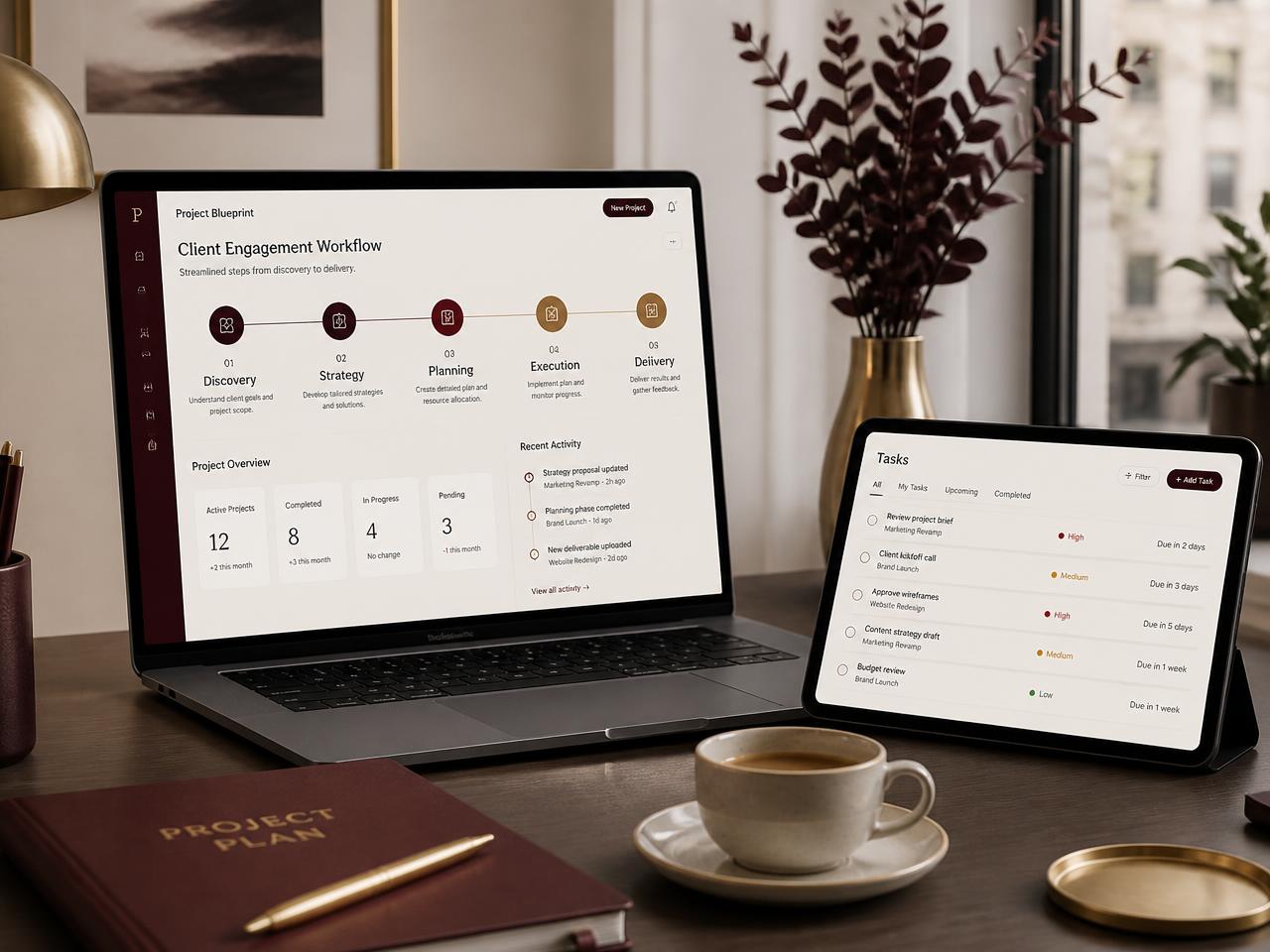
When manual work becomes the work
Small Repetitive Tasks Can Create Big Operational Friction
As a business grows, processes that once worked manually can become difficult to manage. Information gets entered more than once, follow-ups depend on someone remembering them, customers wait for routine updates, and employees spend time moving information between systems instead of focusing on higher-value work.
- We repeat the same administrative tasks every day.
- Customer enquiries require too many manual steps.
- Follow-ups sometimes get forgotten.
- Information has to be copied between different systems.
- Our team spends too much time sending routine emails or messages.
- Leads do not always move smoothly to the next step.
- Our booking, CRM, forms, email, or other tools do not work well together.
- I know parts of my business could be automated, but I do not know where to start.
Roxiera Group looks at the process first, not just the technology. We identify where automation can remove unnecessary friction while keeping appropriate human involvement where judgment, service, or personal attention matters.
Build smarter workflows
Connect the Steps That Keep Your Business Moving
Every business operates differently. Roxiera Group reviews the way work currently moves through your business and identifies practical opportunities to automate appropriate steps, connect systems, and improve operational consistency.
Workflow automation
Automate appropriate repetitive steps across everyday business processes.
Lead routing & follow-up
Help new enquiries move to the right person, system, or next action without relying entirely on manual follow-up.
Customer communication automation
Create appropriate automated confirmations, reminders, updates, and follow-up communications.
Data & information flow
Reduce unnecessary re-entry of information by connecting appropriate forms, systems, and business tools.
CRM automation
Automate appropriate CRM actions such as lead creation, status updates, task creation, notifications, and follow-up workflows.
Internal notifications & tasks
Trigger appropriate alerts, assignments, and internal tasks when important business events occur.
Document & form workflows
Improve how information collected through forms or documents moves into the next appropriate business process.
System & application connections
Connect compatible business applications so information and actions can move more efficiently between them.
Not every capability applies to every business. Final workflows depend on your existing systems, integration availability, and the agreed project scope.
Built around your operations
The Right Automation for the Way Your Business Works
Depending on your current systems, workflow, business needs, and project scope, Business Automation may include:
- Current workflow review
- Automation opportunity identification
- Process mapping
- Lead-routing workflows
- Automated follow-up sequences
- Form-to-CRM workflows
- Booking and scheduling connections
- Email and SMS workflow connections
- CRM workflow configuration
- Internal alerts and notifications
- Task creation and assignment workflows
- Customer confirmation workflows
- Data movement between compatible systems
- Business application integrations
- Basic workflow testing
- Error and exception considerations
- Human handoff points
- Documentation for agreed workflows
- Recommendations for future automation opportunities
Final services are determined by project scope, business requirements, existing systems, software capabilities, integration availability, and technical feasibility. Third-party software, platform, messaging, API, AI, or usage fees may be separate. Some related services may be quoted separately.
Flexible automation support
Start With the Automation Your Business Actually Needs
Business Automation can begin with one clearly defined workflow or expand into a broader automation initiative as business needs evolve.
Automation project
For businesses with a specific repetitive process or workflow they want to improve.
Potential work may include:
- Workflow review
- Process mapping
- Automation design
- System connections
- Workflow implementation
- Testing
- Documentation
- Handoff
Ongoing automation support
For businesses that want continued help improving, maintaining, or expanding agreed automation as operations evolve.
Potential ongoing work may include:
- Workflow adjustments
- New automation opportunities
- Integration changes
- Process improvements
- Troubleshooting agreed workflows
- Optimization of existing automation
Ongoing automation support is optional and quoted separately according to the agreed scope.
How it works
From Manual Process to Smarter Workflow
01
Discover
Understand the business, team, systems, repetitive work, and operational goals.
02
Map
Document how the current process works, including important decisions, handoffs, and exceptions.
03
Identify
Determine which steps are appropriate for automation and which should remain human-led.
04
Design
Create the proposed workflow, system connections, triggers, actions, and handoff points.
05
Build
Configure and connect the agreed automation using appropriate technology.
06
Test
Test the workflow and important scenarios before normal business use.
07
Launch
Deploy the agreed workflow and provide appropriate documentation or handoff.
08
Optimize
Review and improve agreed automation over time when ongoing support is selected.
What business automation can look like
Turn Repetitive Processes Into Connected Workflows
The following are examples only, included to show how connected steps can work in practice.
New website enquiry
- Form submitted
- Lead added to CRM
- Team notified
- Confirmation sent
- Follow-up task created
New appointment
- Appointment booked
- Confirmation sent
- Internal calendar updated
- Reminder scheduled
- Follow-up triggered where appropriate
New lead
- Lead captured
- Information organized
- Lead routed
- Team member notified
- Follow-up workflow begins
Customer request
- Request received
- Information captured
- Appropriate person notified
- Task created
- Status or follow-up communication triggered where appropriate
Examples only. Actual workflows depend on the business, software, integration capabilities, and agreed project scope.
Who we work with
Built for Businesses Ready to Reduce Repetitive Work
Business Automation may be appropriate for businesses that are:
- Managing increasing volumes of customer enquiries
- Repeating the same administrative processes every day
- Growing beyond manual spreadsheets and disconnected tools
- Using multiple business applications that need to work together
- Losing time to repetitive follow-up and data entry
- Building a more organized lead-management process
- Improving customer communication and response workflows
- Looking for practical ways to use automation without overcomplicating the business
Automation, clearly defined
Technology Handles the Repetition. Your Team Keeps the Judgment.
Automation is designed around the way your business already works, using the simplest appropriate technology for each step.
- Automation should support your team and processes rather than automatically replacing people.
- Judgment, service, and personal attention should remain human-led where they matter.
- Integration is only possible where a system provides suitable access, an API, or a supported connection.
- AI is not required for every automation; simpler workflows are often the appropriate answer.
- Third-party software, platform, messaging, API, AI, or usage fees are governed by those providers.
- Businesses remain responsible for applicable legal, privacy, consent, and customer-communication requirements.
- Roxiera Group does not provide legal advice.
Beyond a single workflow
Connect More of Your Business
Business automation becomes more valuable when the right customer, communication, and operational systems work together. These related Roxiera Group services are available separately and are not automatically included.
Frequently asked questions
Business Automation FAQs
Not sure what you should automate?
Start With a Digital Business Checkup
If you know your business is spending too much time on manual work but are not sure which processes should be automated first, start with a Digital Business Checkup. We'll look at the bigger picture, identify practical automation opportunities, and help determine the most appropriate next step.
Let's build a smarter workflow
Ready to Spend Less Time on Repetitive Work?
Tell us which parts of your business feel manual, disconnected, or unnecessarily repetitive. We'll help determine where automation can create a simpler, more connected way of working.